
Features
Status page features
Everything Orbis Status does, by group. It tells your customers what is happening. It does not monitor your systems for you.
Status page
A clear public page that shows how your service is doing right now.
- Free subdomain: your-name.orbisstatus.co.uk
- Connect your own domain free, with automatic HTTPS
- Your logo, brand colour and links
- Incident history page
- Atom feed, status.json and a status badge for your website
- Custom CSS from Startup, custom HTML and JavaScript from Business
Components and uptime
Show the parts of your service your customers care about.
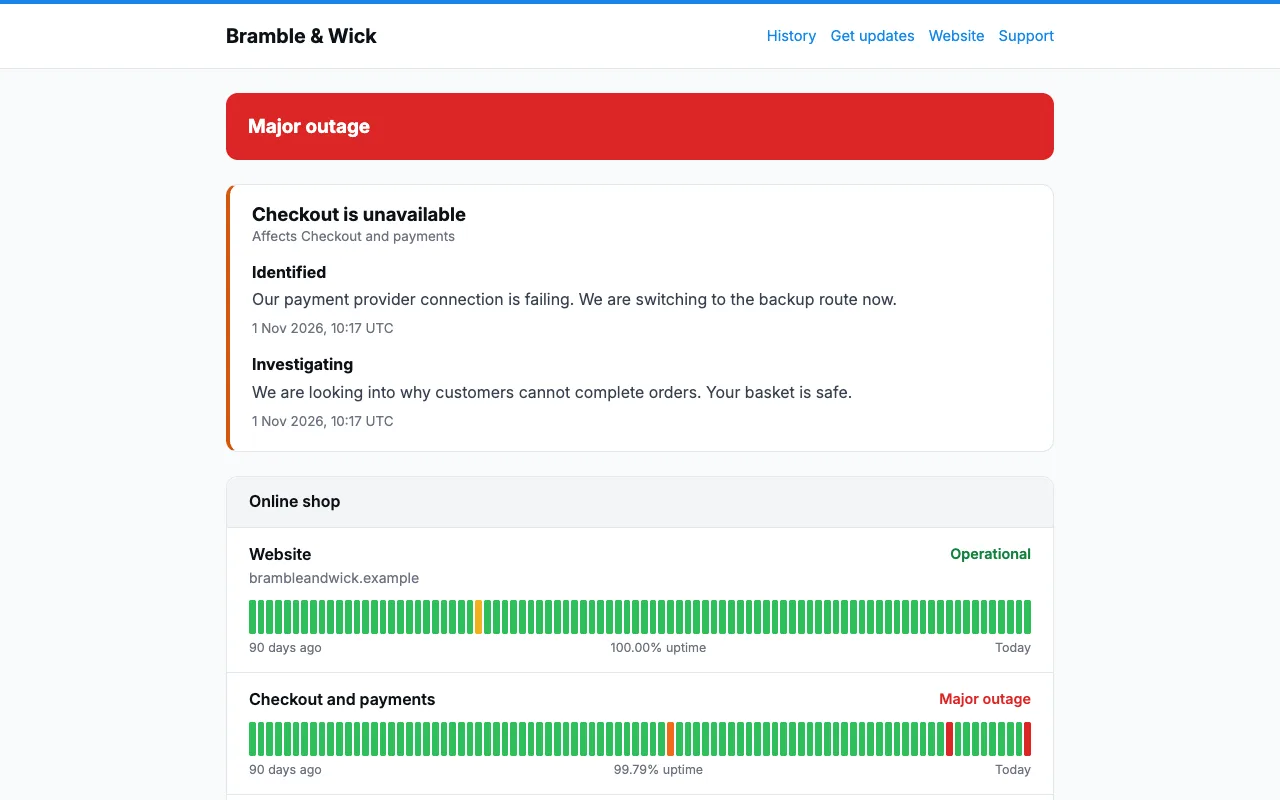
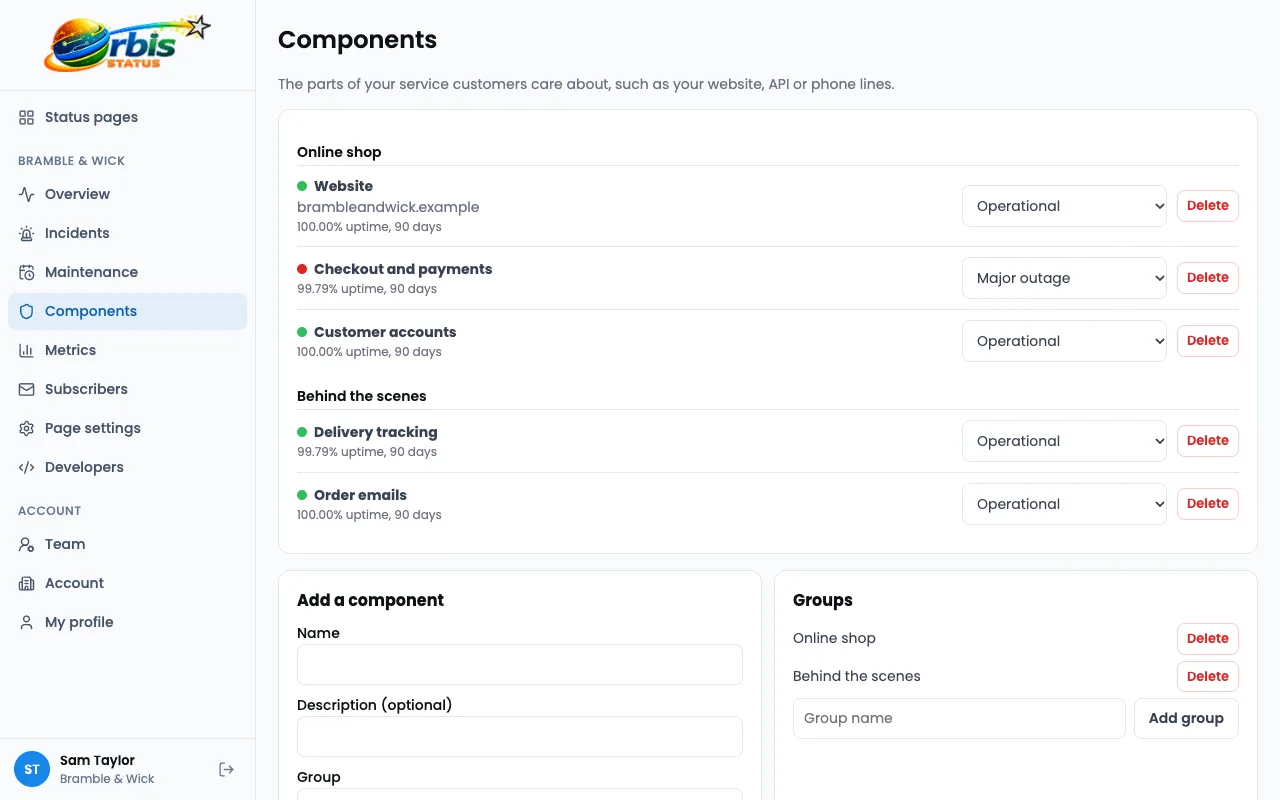
- Components, in groups if you like
- Operational, Degraded performance, Partial outage, Major outage and Under maintenance
- 90-day uptime bars and a percentage for each component
- Public metrics charts, fed through the REST API
Incidents
Say what is happening and keep people up to date.
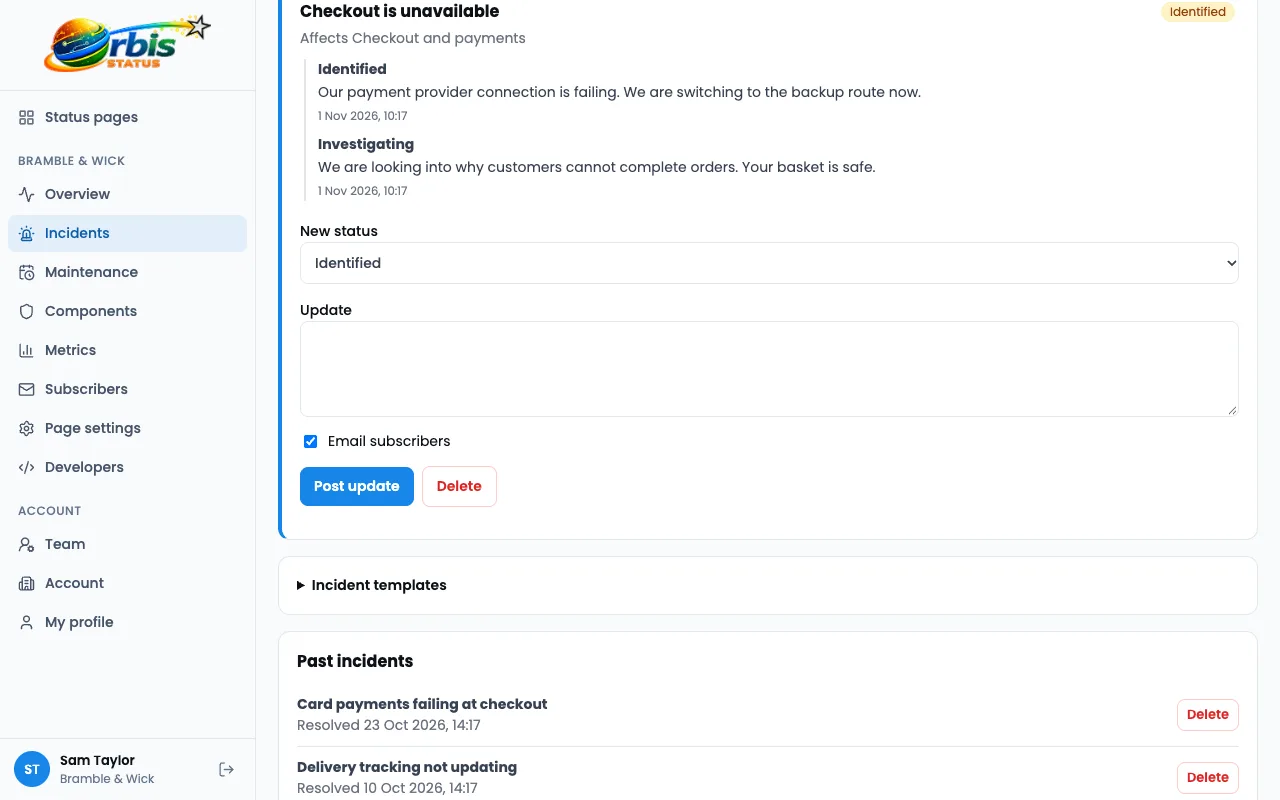
- A timeline of updates: Investigating, Identified, Monitoring and Resolved
- Impact levels: None, Minor, Major and Critical
- Set the status of affected components as you post
- Resolving puts components back to Operational
- Saved incident templates
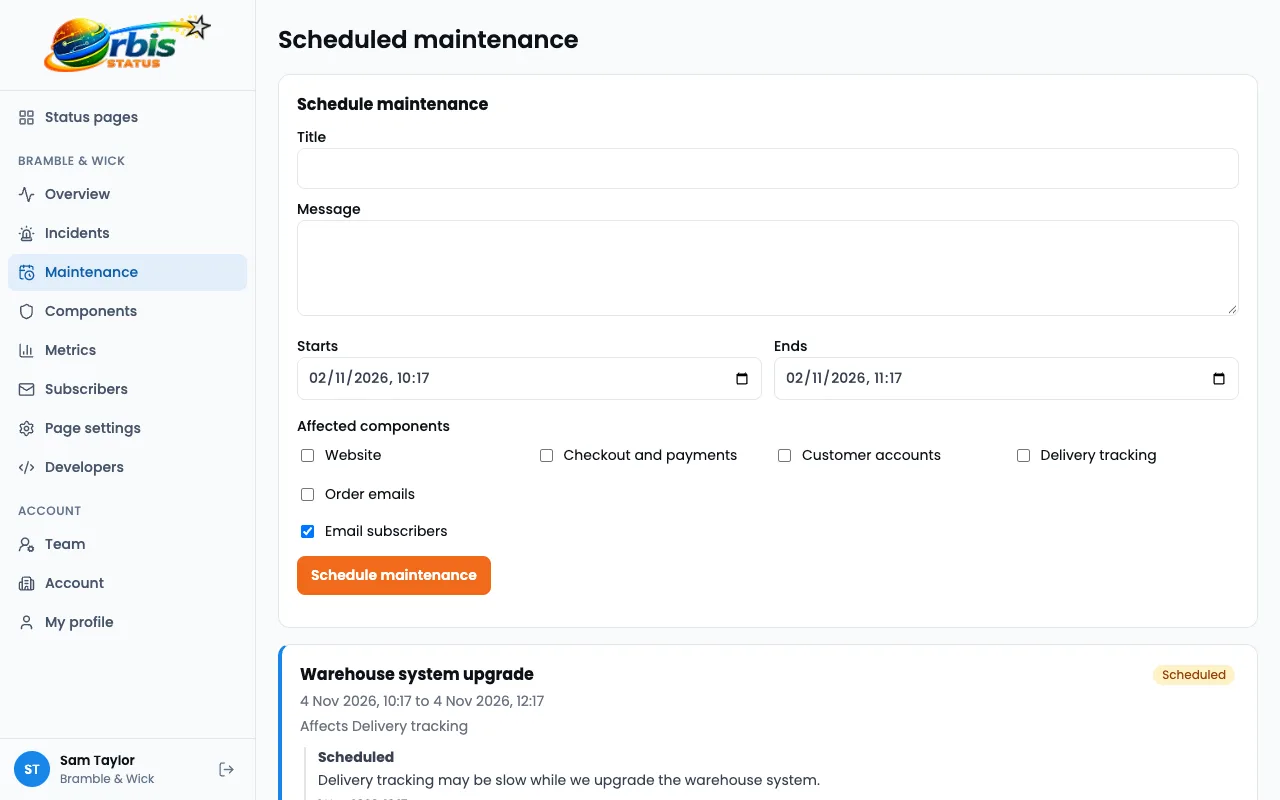
Scheduled maintenance
Warn people first, and let the page look after itself.
- Start and end times
- Starts and completes automatically
- Sets affected components to Under maintenance
- Notifies subscribers when it is planned, starts and ends
Notifications
Reach people where they are.
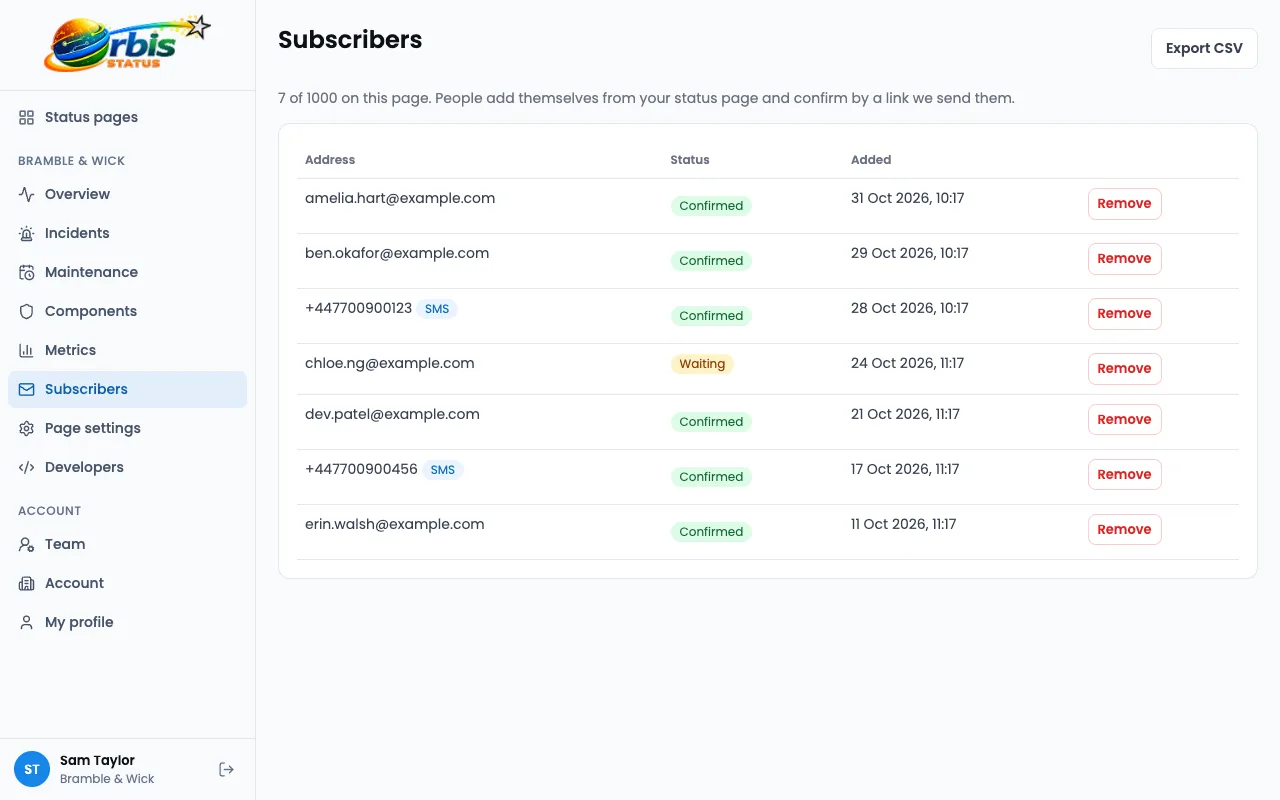
- Email with double opt-in and one-click unsubscribe
- Slack and Microsoft Teams channels
- SMS to UK mobile numbers, from Startup
- Component subscriptions, from Business
- Subscriber CSV export
Private pages
A status page just for your staff or chosen clients.
- Invited viewers sign in with an emailed link or single sign-on
- Viewers get updates automatically
- IP allowlist, from Private Growth
- Hidden from search engines
Audience-specific pages
One status page, with a different view for each group of people.
- Groups of viewers, each with chosen components and metrics
- Viewers only see, and are only told about, what their groups cover
- Incidents with no component show as notices to every viewer
- Groups can follow your identity provider
- Manage viewers and groups through the API
Single sign-on
Let people sign in with their company account.
- OpenID Connect, with Okta, Microsoft Entra, Google Workspace and similar
- Proven by a DNS record on your email domain
- New team members added on first sign-in
- Require it for your whole domain
- For viewers of private and audience-specific pages too
API and webhooks
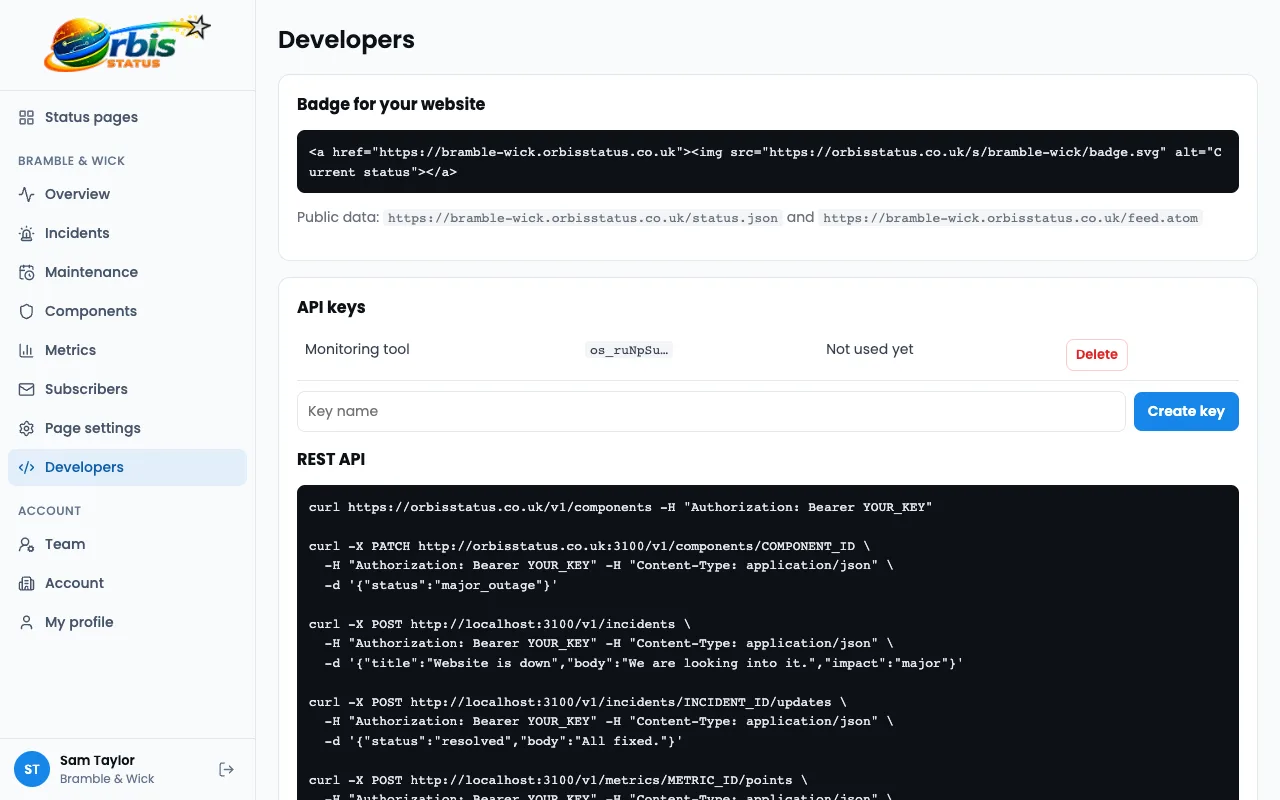
Update your page from your own tools.
- REST API with API keys: components, incidents, metrics, viewers and groups
- Signed webhooks (HMAC SHA-256), from Startup
- Your own monitoring tool can post incidents through the API
Team and security
Control who can do what.
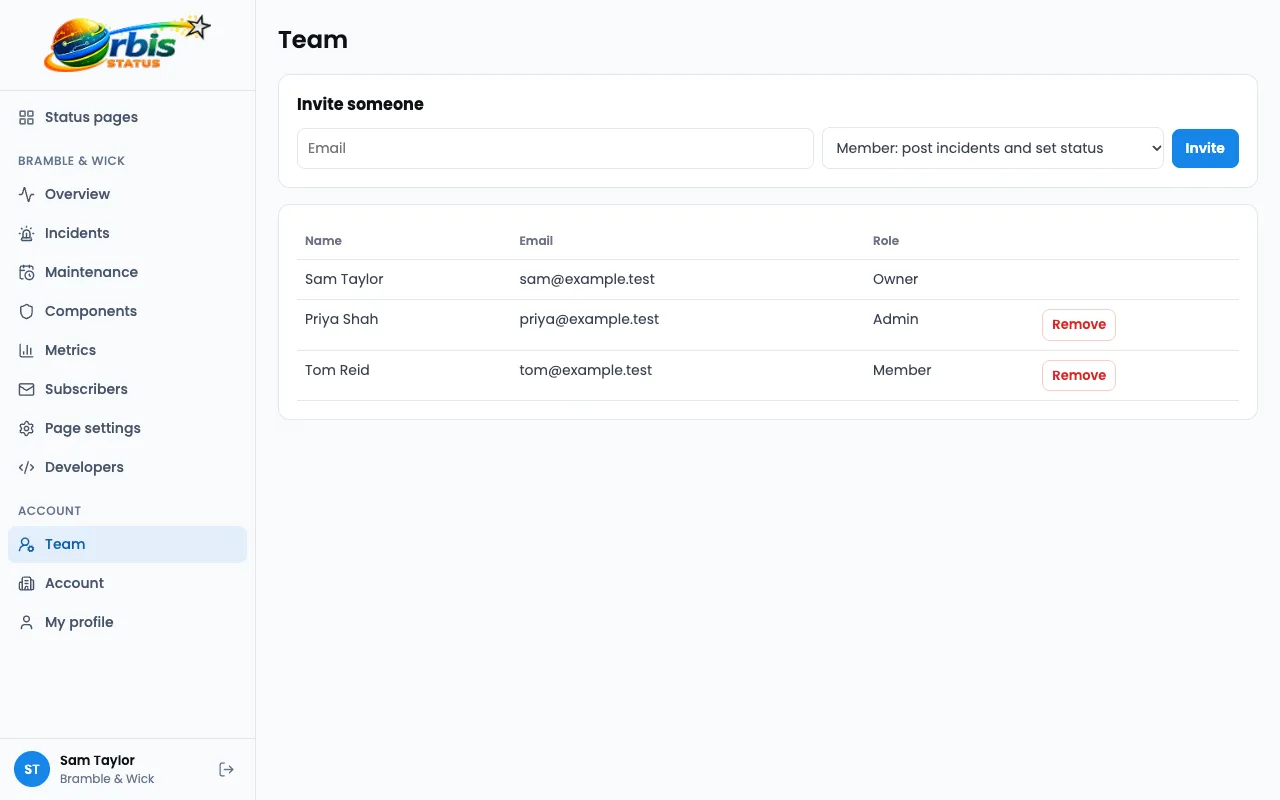
- Owner, Admin and Member roles
- Email invitations
- Two-factor login
- Audit log
- Separate accounts for every customer