

A status page for schools and education
Schools depend on a handful of online systems. When the portal or learning platform fails, a clear public page saves the office from a morning of calls.
How outages affect a school
Parents, students and staff all use different systems, and each group asks the same office for answers.
- The parent portal is down on a day when payments or forms are due.
- The learning platform fails before a deadline, and students worry.
- The school website or email has a fault, and notices do not arrive.
- The school office fields calls and cannot explain what is happening.

How a status page helps a school
A single address that parents and students can bookmark and staff can update.
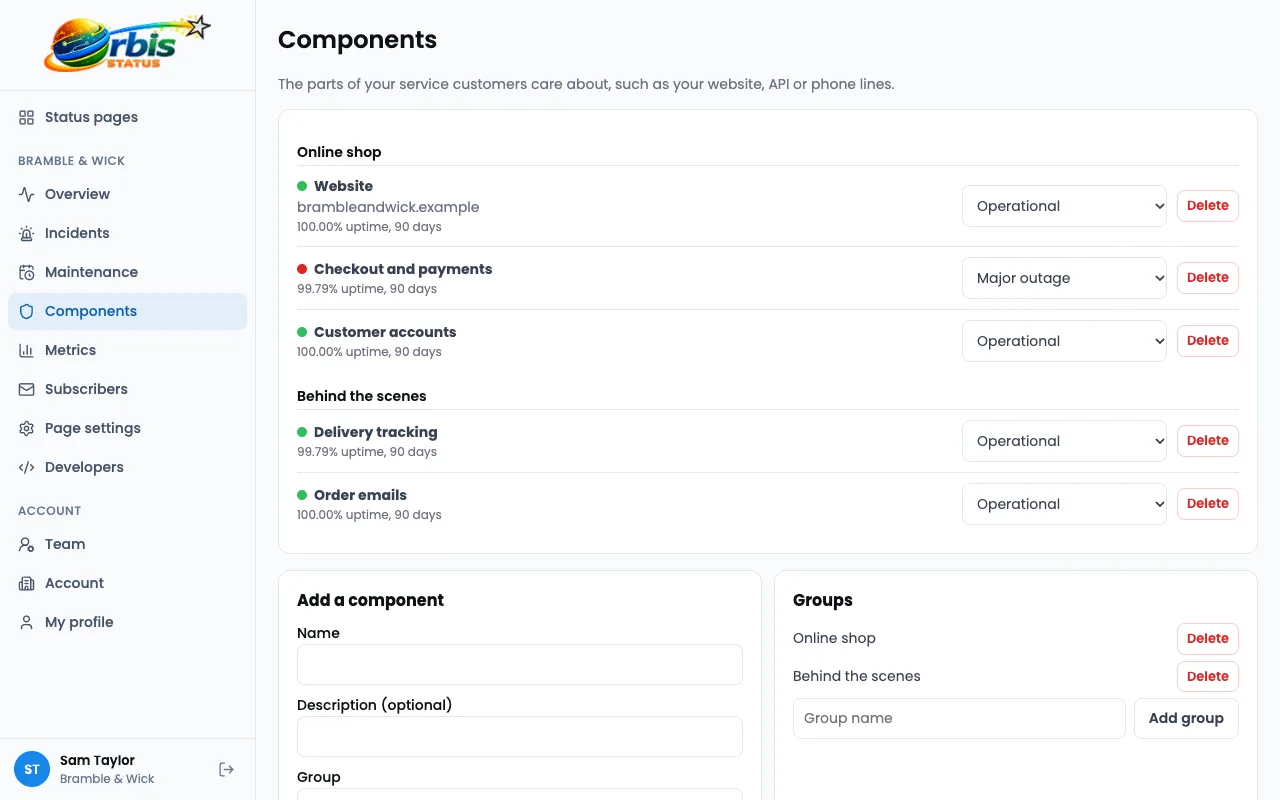
Components for each system
List Parent portal, Learning platform, School website and Email separately. See how components work.
Updates anyone can follow
Post short, clear notes with an expected time, and update them as things change. See how incidents work.
Maintenance over holidays
Schedule work for evenings or holidays and tell people in advance. See how maintenance works.
Email subscribers
Up to 100 subscribers per page on the Free plan, with double opt-in and one-click unsubscribe. See how subscribers work.
Team access
Let the IT lead and office staff share the job of posting updates.
Worked example: a learning platform outage
A fictional secondary school, Hollin Park Academy, has a platform fault the evening before coursework is due.
The IT lead posts a note
Learning platform is set to Partial outage with a short update and a time for the next one.
The school shares the link
The office adds the address to its website and sends it to subscribed parents by email.
The provider fixes it
The IT lead moves the incident to Monitoring and confirms uploads are working.
The school gives guidance
The resolved update explains who to ask about deadlines, so the office is not overwhelmed.
This is an illustration of how the features fit together, not a real customer story.
Frequently asked questions
Does it replace our parent messaging system?
No. It is only for system status. It sends email, and SMS to UK mobile numbers on Startup and above, but not messages from your own parent app.
Is it free for schools?
The Free plan is £0 forever, with up to 100 subscribers per page. Removing the branding link starts at £11 per month on Hobby.
Can we keep it to parents only?
Yes. A private page is only visible to invited viewers who sign in with an emailed link, and starts at £29 per month. Still do not include pupil names or personal details.